Is Implementing RPM & CCM a Headache? How to Streamline Your Workflow for Seamless Remote Care Delivery
Busy primary care practices fear the administrative burden of RPM and CCM. With the right planning, technology, and a Doctor-Led partner, integration is not only achievable — it becomes a competitive advantage.
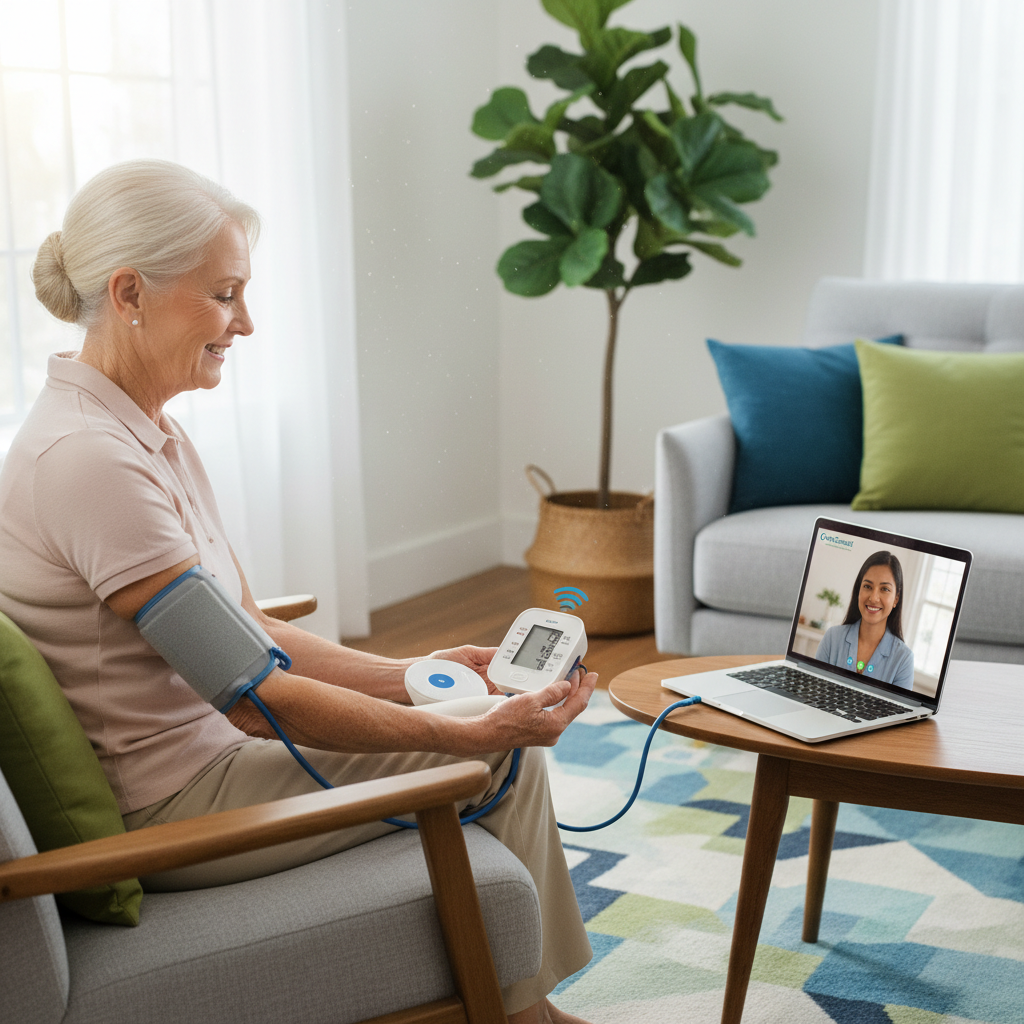
Implementing Remote Patient Monitoring (RPM) and Chronic Care Management (CCM) — or integrating them with Advanced Primary Care Management (APCM) — can seem daunting for busy primary care practices. Concerns about disrupting existing workflows, increasing administrative burden, and training staff are common. However, with careful planning and the right support, seamless integration is not only achievable but transformative for your practice.
Common Workflow Challenges Practices Face
Primary care practices typically encounter similar pain points when integrating remote care programs:
Administrative Burden Managing patient enrollment, consent, device distribution, documentation, and billing for RPM and CCM can add significant overhead to an already stretched administrative team.
Staffing and Resource Constraints Dedicating clinical staff time for monitoring data, patient communication, and care coordination is difficult — especially amidst existing staffing shortages facing primary care.
EHR Integration Gaps Ensuring seamless integration between the remote care platform and the practice's existing EHR is crucial for efficient data flow. Fragmented data is a liability — clinically and financially.
Clinical Workflow Disruption Incorporating RPM and CCM tasks into existing workflows without disrupting efficiency requires careful planning. A poorly designed integration creates resistance from staff and ultimately fails patients.
Proven Strategies for Seamless Integration
1. Define Clear Roles and Responsibilities Every member of the care team — from front desk to clinical staff to billing — needs to understand their role in the RPM/CCM workflow. Ambiguity creates gaps in care and documentation.
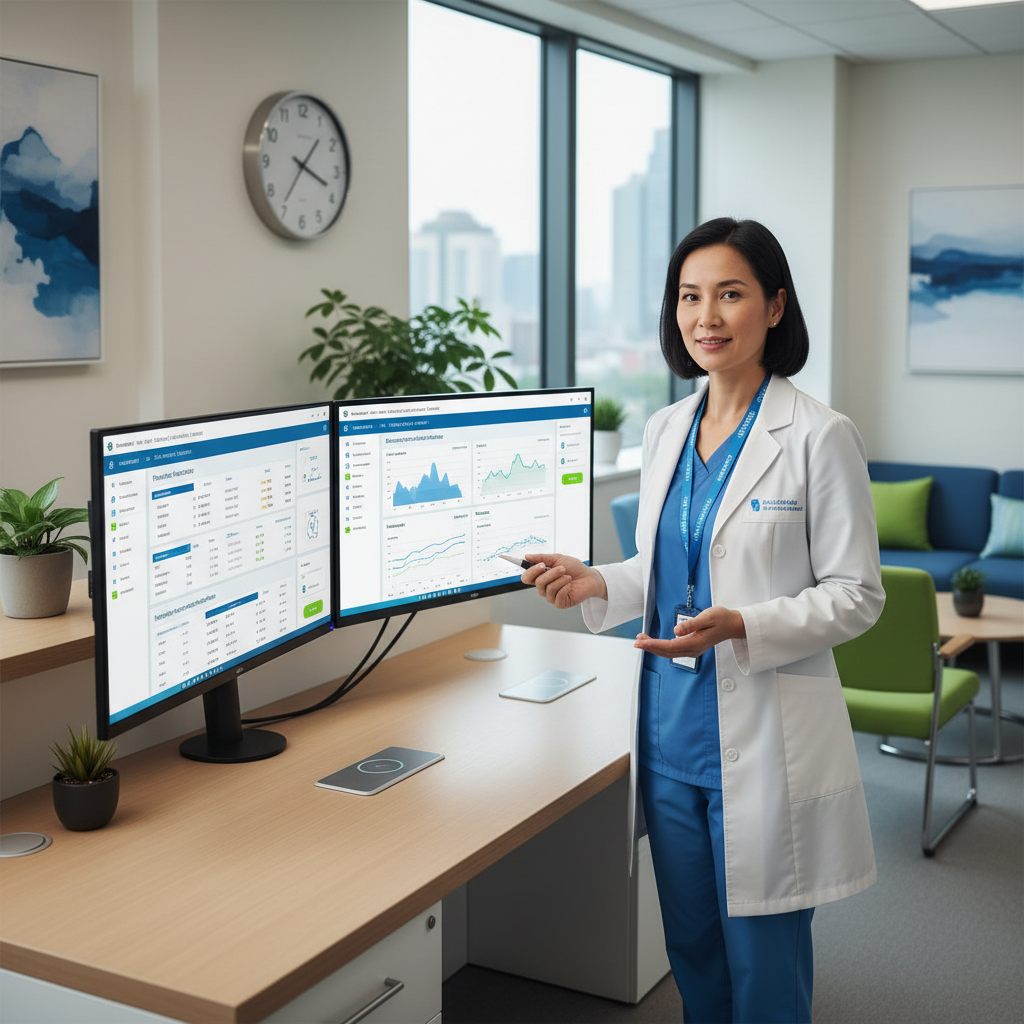
2. Leverage Technology for Automation The right platform automates administrative tasks, streamlines data flow, and provides tools for managing patient interactions and care coordination — without adding clicks to your day.
3. Prioritize Bidirectional EHR Integration Choose a platform offering robust, bidirectional integration with your EHR. RPM and CCM data should flow automatically into patient charts — accessible at the point of care, without manual data entry.
4. Provide Comprehensive Staff Training Train clinical and administrative staff thoroughly on the platform, program protocols, documentation requirements, and billing procedures before go-live. Ongoing support is equally important.
5. Start with a Pilot Program Consider beginning with 10–20 high-risk, high-adherence patients to test workflows, identify challenges, and refine processes before scaling to your full eligible population.
Workflow Integration Timeline
| Week | Milestone | Responsible Party | |------|-----------|------------------| | 1–2 | Staff training and platform setup | Admin + Clinical | | 3–4 | Identify and consent first 20 patients | Care team | | 5–6 | Devices shipped, patients onboarded | iScript.care | | 7–8 | First monitoring cycle complete, billing reported | iScript.care | | 9–12 | Scale to full eligible panel | Ongoing |
How iScript.care Eliminates Integration Friction
At iScript.care, we understand that your time is valuable. Our service is specifically designed to minimize disruption and integrate seamlessly into your existing primary care workflow.
Doctor-Led Design for Practical Workflows Our service is led by Dr. Chomba Chuma, MD (Medical Informatics). This ensures our platform and processes are designed with practical, efficient clinical workflows in mind — not the other way around.
Doctor-Designed Care Plans That Streamline Coordination Our structured, Doctor-Designed Care Plans provide clear guidance for care managers, streamlining patient interactions, data monitoring, and care coordination tasks — making it straightforward to integrate remote care activities into your daily operations.
Robust EHR Integration We prioritize seamless EHR connectivity, ensuring RPM and CCM data flows smoothly into patient charts — providing a unified view of health information without duplicate documentation.
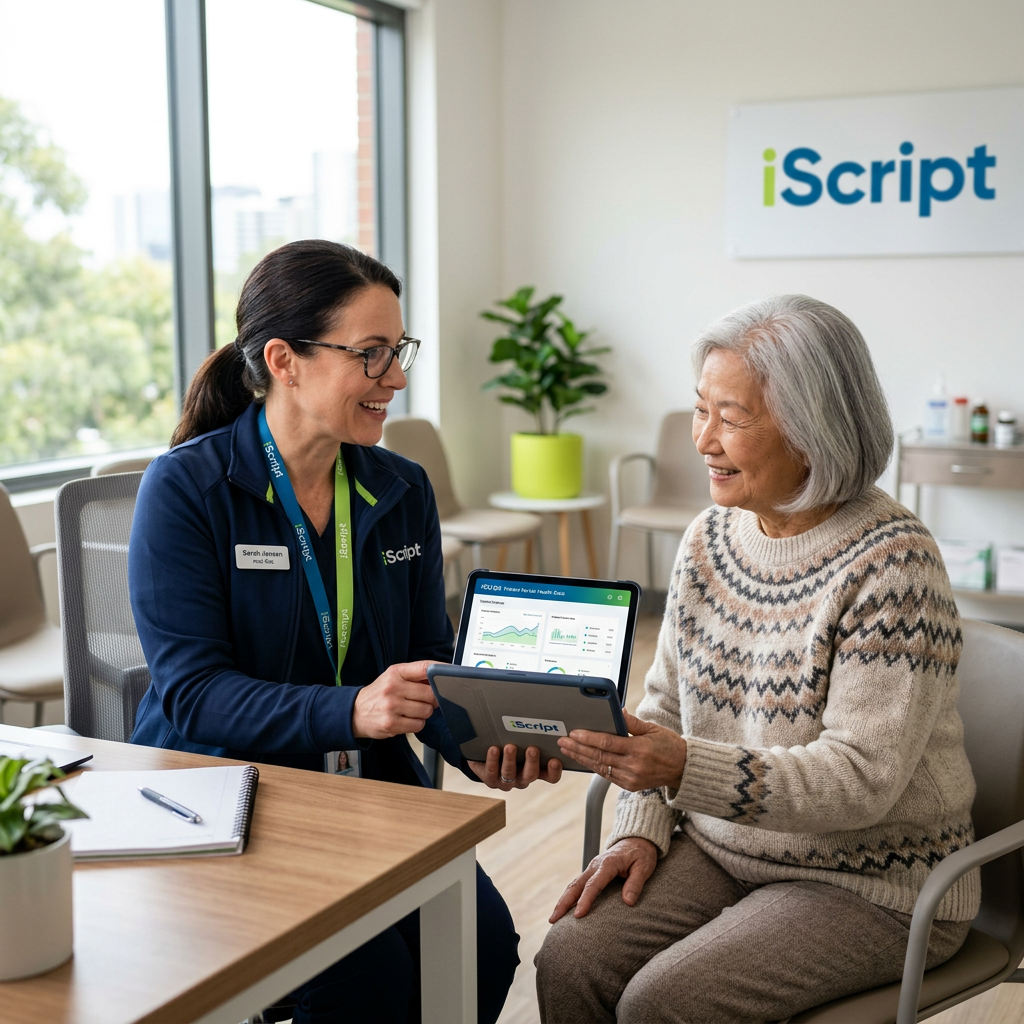
White-Glove Onboarding and Ongoing Support From initial setup to ongoing program management, iScript.care provides comprehensive training and support to your staff. We handle device logistics, patient enrollment outreach, consent documentation, and billing report generation — so your team can focus on clinical care.
The Bottom Line
Integrating RPM and CCM into your primary care workflow doesn't have to be a source of stress. With the right partner, technology, and planning, these programs generate significant revenue while improving patient outcomes. iScript.care is your partner in this process — offering a Doctor-Led service designed for seamless integration, allowing you to focus on what matters most: your patients.
Ready to Launch Your RPM / CCM Program?
iScript.care manages everything — clinical staff, devices, billing reports. You focus on your patients.